
AI Photo Editing Rajan Editz 2026 – Create Stunning AI Photos
Nowadays, AI photo editing is becoming increasingly popular among social media users. People love creating attractive and creative photos using Artificial Intelligence (AI) tools. Whether you want to create stylish portraits, cinematic photos, professional profile pictures, or trending Instagram images, AI photo editing can help you transform your ordinary photos into something special.
In this article, we will explore AI Photo Editing Rajan Editz 2026, learn how AI photo editing works, discover different editing styles, and understand how you can create beautiful AI-generated photos.
If you are interested in photography, creative editing, and social media content, this guide will help you get started.
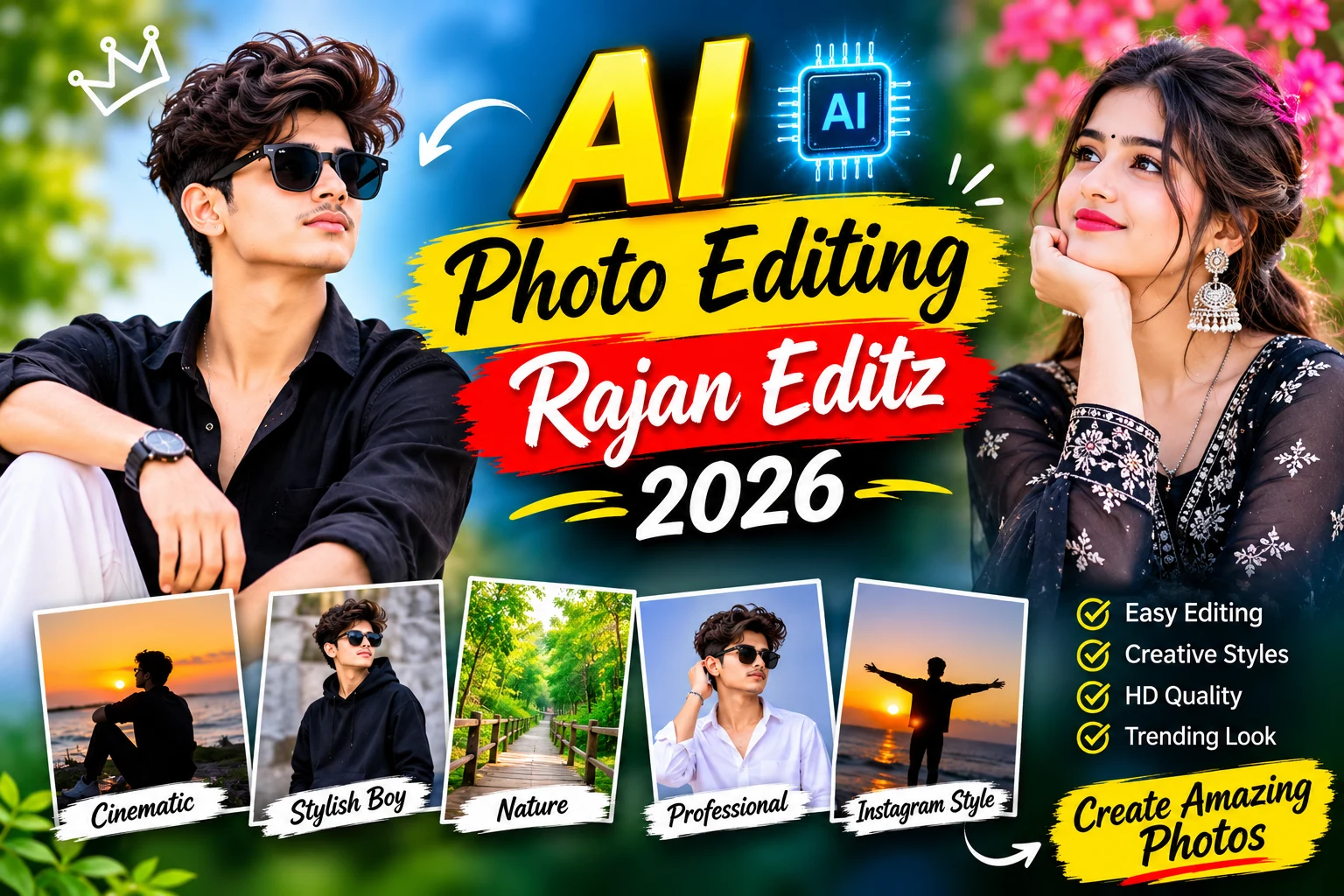
What Is AI Photo Editing Rajan Editz 2026?
AI Photo Editing Rajan Editz 2026 refers to a creative photo editing topic focused on using artificial intelligence to enhance and transform ordinary photographs.
With the help of AI-powered editing tools, users can experiment with different backgrounds, lighting effects, colors, outfits, and artistic styles.
Instead of spending hours editing every detail manually, you can use AI tools to make the editing process easier and more convenient.
The final result depends on the editing tool, original photo quality, and the instructions or prompts you provide.
Why Is AI Photo Editing Trending in 2026?
AI photo editing has become a popular choice for people who want to create unique pictures for their social media accounts.
Here are some reasons why people enjoy AI photo editing:
- Creative Photography: Create unique and attractive photo styles.
- Easy Editing: Experiment with different editing effects without advanced editing knowledge.
- Background Changes: Try different backgrounds and environments.
- Portrait Enhancement: Improve the overall appearance of portraits.
- Social Media Content: Create eye-catching pictures for Instagram, Facebook, and other platforms.
- Different Styles: Explore cinematic, professional, fashion, and artistic photo styles.
Best AI Photo Editing Styles to Try
There are many creative styles you can experiment with using AI photo editing tools.
1. Cinematic AI Photo Editing
Create stunning cinematic portraits with movie-inspired lighting, dramatic shadows,
warm color grading, and beautifully blurred backgrounds. This AI photo editing style
gives your ordinary pictures a professional film-like appearance..
2. Stylish Boy AI Photo Editing
Transform your ordinary pictures into stylish and fashionable portraits using AI.
Experiment with trendy outfits, modern hairstyles, aesthetic backgrounds,
and professional lighting while preserving your original facial identity.
3. Professional Portrait Editing
Turn your regular photos into professional-quality portraits. Create clean backgrounds,
natural skin tones, balanced lighting, and sharp details. This style is perfect for
professional profiles, portfolios, LinkedIn photos, and business portraits.
4. Instagram Trending Photo Editing
Create eye-catching Instagram-style photos using trending AI photo editing effects.
Experiment with aesthetic color grading, fashionable outfits, creative compositions,
and beautiful backgrounds to give your pictures a modern social media look..
5. Nature Background AI Editing
Give your photos a beautiful natural atmosphere by replacing ordinary backgrounds
with stunning mountains, beaches, gardens, forests, or sunset locations.
Create realistic outdoor portraits with natural lighting and beautifully blended
backgrounds.
How to Create AI Photos Using AI Editing Tools
Creating AI photos is easy if you follow the correct steps.
Step 1: Choose Your Photo
First, select a clear and high-quality photograph from your smartphone gallery. A well-lit photo usually gives better editing results.
Step 2: Select an AI Photo Editing Tool
Choose an AI-powered photo editing application or website that supports the editing style you want.
Step 3: Write an AI Photo Editing Prompt
Enter a clear description of the image you want to create. Mention the background, lighting, clothing, camera angle, and overall style.
Step 4: Generate Your Photo
After entering your prompt, use the available AI generation option. Wait for the tool to process your image.
Step 5: Review the Result
Check the generated image carefully. If necessary, adjust your prompt and try again.
Step 6: Save Your Edited Photo
Once you are satisfied with the result, save the image in your preferred quality and share it on your social media platforms.
Best AI Photo Editing Prompt Examples
Here are some simple prompt ideas you can try with compatible AI photo editing tools.
1. Cinematic Portrait Prompt
Create a realistic cinematic portrait using the uploaded reference photo. Preserve the person’s facial identity and natural facial features. Add warm cinematic lighting, a softly blurred background, realistic skin texture, and professional photography quality.
2. Stylish Boy Photo Prompt
Create a stylish portrait using the uploaded reference image. Keep the original face and identity consistent. Add a fashionable black outfit, modern background, natural lighting, and a professional photography look.
3. Nature Photography Prompt
Create a beautiful realistic portrait using the uploaded reference photo. Preserve the original facial identity and add a peaceful natural background with green trees, soft sunlight, and a cinematic atmosphere.
4. Professional Profile Photo Prompt
Create a professional-looking portrait using the uploaded photo. Maintain the original facial features, add a clean background, balanced lighting, natural skin texture, and a polished professional appearance.
Note: AI tools may interpret prompts differently, so results can vary depending on the application and uploaded photograph.
Tips for Getting Better AI Photo Editing Results
If you want to create better AI photos, follow these useful tips:
- Always upload a clear and high-quality photograph.
- Use simple and detailed prompts.
- Mention the background and lighting you want.
- Avoid adding too many effects in one prompt.
- Use realistic editing instructions.
- Check facial details before saving the final image.
- Respect other people’s privacy when uploading photographs.
Is AI Photo Editing Free?
Some AI photo editing applications and websites provide free editing features, while others offer paid plans or additional premium tools.
Before using any AI editing platform, check its pricing, free usage limits, privacy policy, and image download options.
Always use trusted platforms and avoid websites that request unnecessary personal information.
Conclusion
AI Photo Editing Rajan Editz 2026 is a creative topic for anyone interested in modern photography and digital editing. With AI-powered tools and suitable prompts, you can experiment with cinematic portraits, stylish pictures, professional photographs, and many other creative designs.
You don’t need to be a professional photo editor to start exploring AI photo editing. Just choose a suitable tool, upload a good-quality photograph, and experiment with different prompts and styles.
We hope this article has helped you understand AI photo editing and how to create attractive pictures using AI tools.
If you found this guide useful, share it with your friends and keep exploring new creative editing ideas.